

The right YouTube setup for a four-year-old is completely wrong for a ten-year-old. Here’s what actually works at each stage – and what changes as children grow.
Most parental control advice treats children as a single category. In practice, a four-year-old and a ten-year-old have almost nothing in common when it comes to how they use YouTube, what they’re looking for, and what risks they face. The setup that protects a preschooler is frustrating and limiting for an older child; the setup appropriate for a ten-year-old offers nowhere near enough structure for a four-year-old.
This guide covers what actually works at each age – with honest assessments of what each approach leaves unaddressed.
Age 4 and under: structure everything
At this age, children have no meaningful ability to self-regulate their viewing, no concept of what’s appropriate versus what isn’t, and no frame of reference for evaluating content quality. Every aspect of the viewing environment needs to be set by a parent.
Recommended setup:
- YouTube Kids on Preschool setting, with search disabled entirely. The Preschool tier limits content to simple songs, cartoons, and gentle educational videos, and disabling search means your child can only access content from the curated homepage – they can’t go looking for anything.
- Autoplay off. In the YouTube Kids parent settings, turn off autoplay. At this age, the inability to self-regulate makes autoplay particularly powerful – removing it is one of the most effective single changes you can make. See our step-by-step guide to turning off autoplay here.
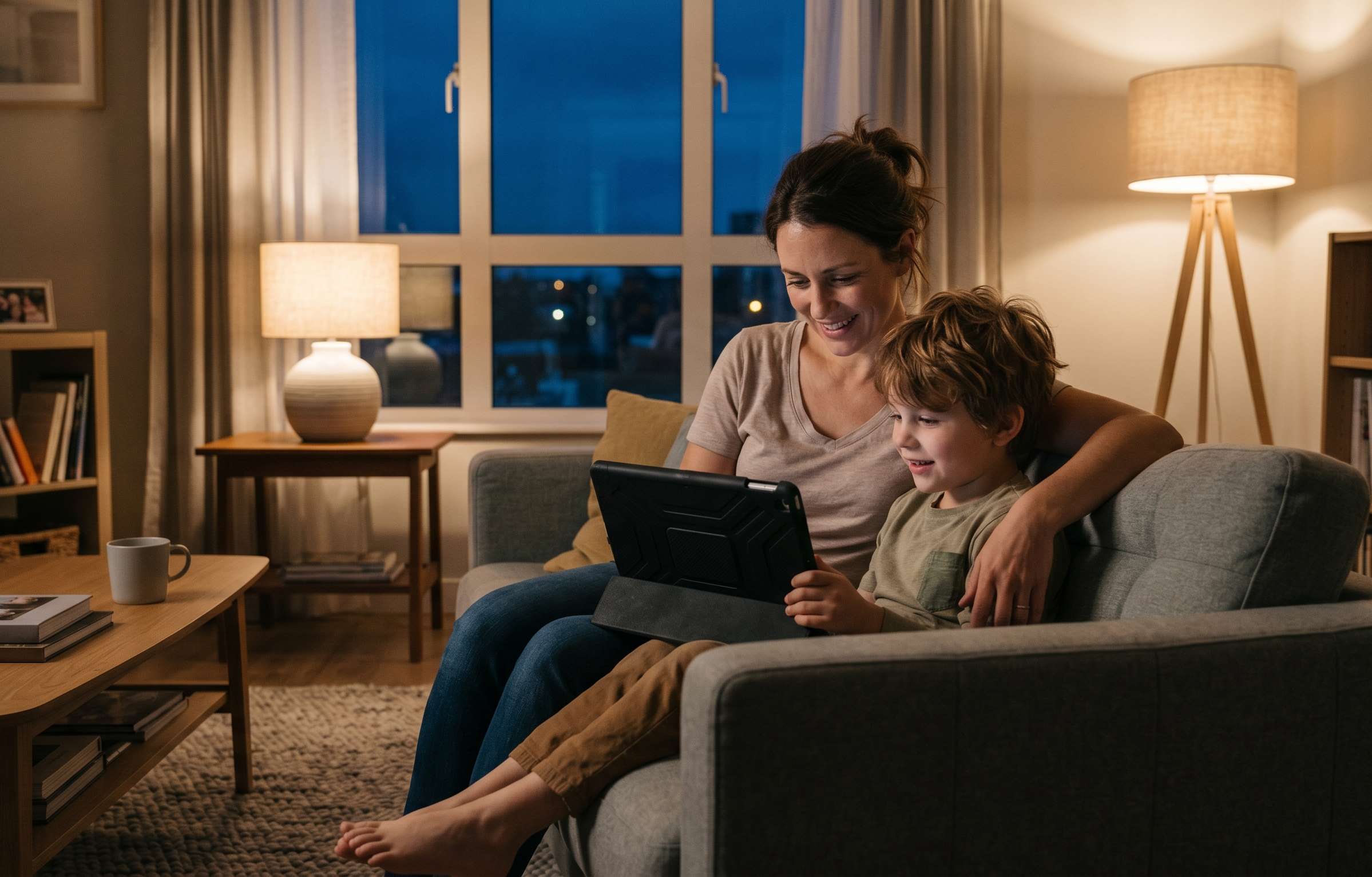
- Co-viewing where possible. Research from the American Academy of Pediatrics consistently finds that children under 5 benefit most from screen content when a parent watches alongside them – pausing to explain, asking questions, and connecting what’s on screen to the physical world.
What this doesn’t cover: YouTube Kids’ content filter is imperfect, and even on the Preschool setting, algorithmically-produced content of varying quality can appear. Curating specific channels – rather than relying on the tier filter alone – gives parents more control over what’s actually available. For channel recommendations for this age group, see our parent-vetted guide to YouTube for toddlers and under-5s.
Age 6: starting to have preferences
By six, most children have developed specific interests and strong opinions about what they want to watch. YouTube Kids’ Preschool tier is likely to feel babyish; the Younger tier (ages 5-8) opens up a broader range of content including educational videos, crafts, and nature programming.
Recommended setup:
- YouTube Kids on Younger setting, with search left on but watch history checked regularly. At six, children benefit from being able to explore content related to their interests – but it’s worth monitoring what they’re finding to catch any drift early.
- Autoplay off. Still worth maintaining at this age. The pull of continuous content is strong, and six-year-olds don’t yet have reliable self-regulation.
- Timer set. YouTube Kids’ built-in timer locks the app after a set duration. Decide on a daily viewing budget before sessions start rather than negotiating when the timer goes off.
- Channel curation. Rather than leaving discovery entirely to the algorithm, building a list of specific approved channels – science, nature, creative content that fits your child’s interests – gives the viewing session a shape without feeling restrictive.
What this doesn’t cover: The Younger tier is a broad filter, not a curated selection. The algorithm still decides what gets recommended within it, and the quality range is wide.
Age 8: outgrowing YouTube Kids
Eight is around the age where YouTube Kids starts to feel limiting. The content on the Older tier (ages 9-12) is broader, but many eight-year-olds are interested in content – educational channels, gaming videos, creative tutorials – that YouTube Kids doesn’t carry at all.
This is often the point where parents give up on YouTube Kids and move to the main app, sometimes without putting any alternative controls in place. It’s worth being deliberate about the transition.
Recommended setup:
- Supervised Google account with Family Link, moving to the main YouTube app with content set to “Explore” level (suitable for ages 9+). This gives access to a broader range of content while maintaining parental oversight and the ability to view watch history.
- Restricted Mode on, locked to the child’s account so it can’t be disabled without a parent’s Google account password.
- Autoplay off. On the main YouTube app, this is in Settings > General > Autoplay. Check it periodically – it can reset after updates.
- Channel whitelist. At eight, children typically have specific interests worth supporting – particular educational channels, creative tutorials, content related to hobbies. Building an approved list, and having a conversation about why those channels were chosen, is more effective than relying on filtering alone.
What this doesn’t cover: Restricted Mode is inconsistent, and Family Link doesn’t give channel-level control. The recommendation algorithm still runs on the main app, and algorithmic creep remains a real risk. Read more about how algorithmic creep works here.
Age 10: moving towards trust with structure
By ten, children are typically using YouTube with more independence and accessing content that parents haven’t reviewed in advance. The goal shifts from restriction to developing good judgment – but structure still matters.
Recommended setup:
- Supervised Google account with content level adjusted to reflect the child’s maturity. At 10, most children can access the Explore More setting, which allows a broader range of content including music videos and more complex educational material.
- Regular watch history conversations. Rather than monitoring silently, making watch history a normal topic of conversation – “anything interesting this week?” – normalises openness without feeling like surveillance.
- Agreed rules rather than technical controls. At ten, the most durable safety measures are ones the child understands and has been part of setting. Conversations about why certain content isn’t appropriate, what to do if they encounter something unexpected, and how to evaluate the quality of what they’re watching matter more at this age than any single technical setting.
- Autoplay still off. The science on autoplay and self-regulation applies at ten just as it does at four – the prefrontal cortex isn’t fully developed until the mid-twenties. See our full breakdown of why autoplay is so effective here.
What this doesn’t cover: Independent YouTube use at ten involves genuine risk – the recommendation algorithm, algorithmically-produced content, and the potential for drift into age-inappropriate material are all real. Technical controls become less effective as children become more capable of working around them; open communication becomes more important.
The thread that runs through every age
Whatever age your child is, the setup that works best is an intentional one – one where someone has made a deliberate choice about what’s available, rather than leaving those choices to YouTube’s defaults.
The defaults are not designed with your child’s development in mind. Autoplay is on because it increases watch time. The recommendation algorithm surfaces what keeps children watching, not what’s worth watching. Content filtering exists, but it’s imperfect and inconsistent at every tier.
At every age, the most effective thing a parent can do is stay actively involved – not necessarily co-viewing every session, but knowing what’s available, checking in on what’s being watched, and being willing to adjust the setup as children grow.
A setup that grows with your child
Streamu lets parents build a curated YouTube environment for each child in their family – specific channels, no algorithm, autoplay off by default. As children’s interests develop, the channel list can grow with them.
Join a growing community of conscious parents taking back control.

Leave a Reply